





1
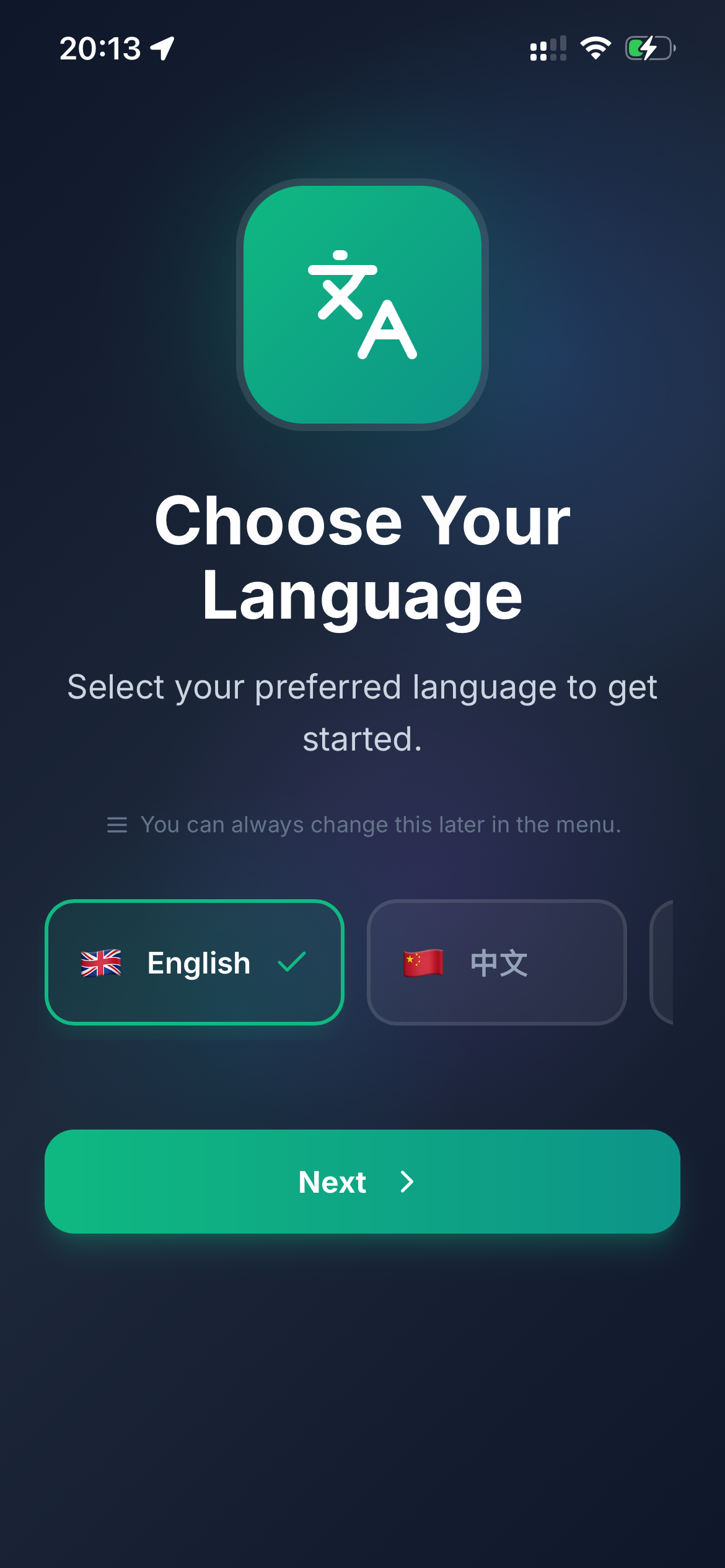
Choose your language
Select your preferred language for menus, AI, and notifications. You can change it anytime in the menu.
Tap to download
Avento: AI Spatial Experiences


App Store, Google Play, and payment platforms used by Avento




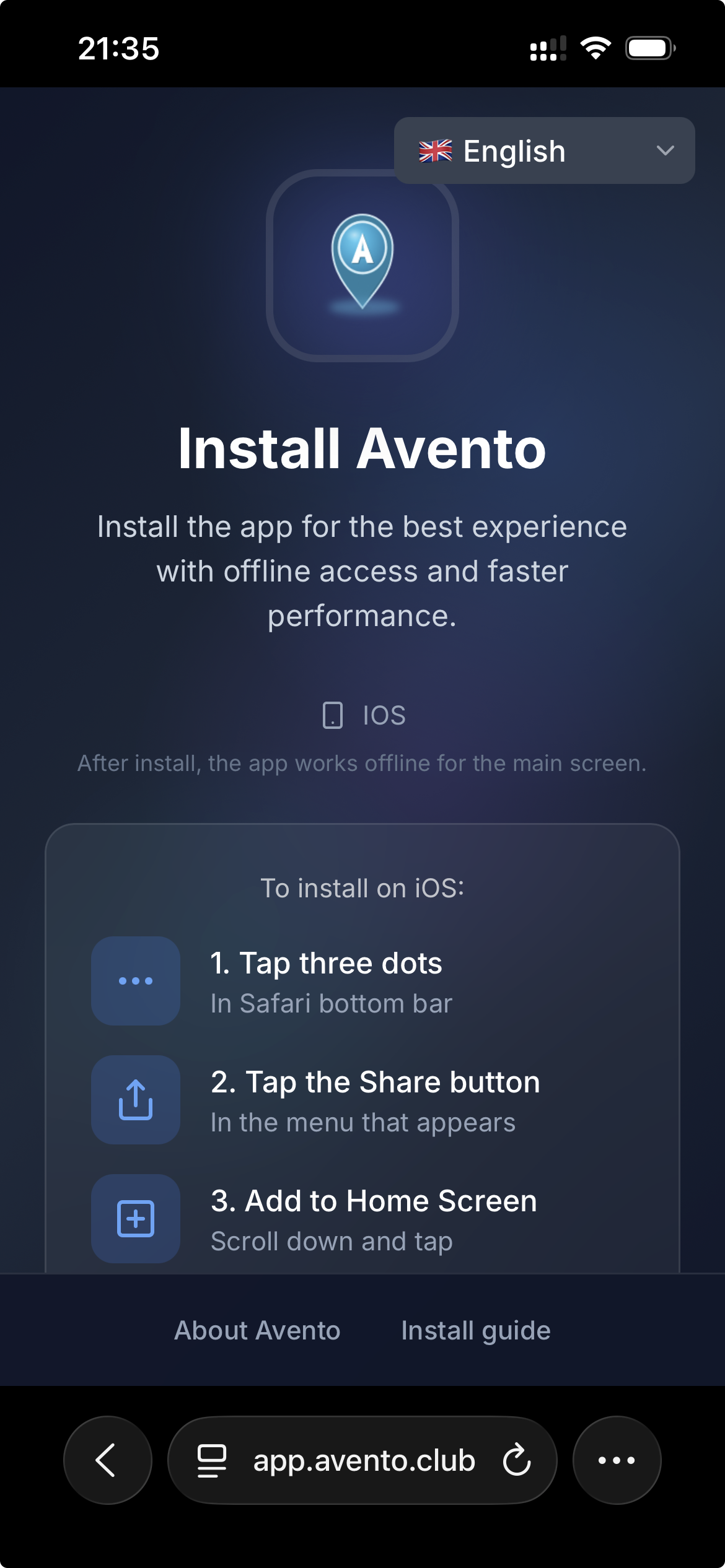
First, open https://app.avento.club in Safari or Chrome. Avento automatically detects your platform — iOS, Android, or Desktop — and shows detailed step-by-step install instructions for your device.
Flights, places, events, and AI — all on one living map
Add Avento to your home screen or install from the App Store / Google Play. A short onboarding walkthrough sets up your profile, permissions, and offline maps so you can explore even without signal.
If you open Avento in a mobile browser, add it to your home screen for a full-screen app and better offline behavior. Native App Store builds skip this step.
New users see this guided setup after install (about 3–5 minutes). Returning users go straight to sign in.
Select your preferred language for menus, AI, and notifications. You can change it anytime in the menu.
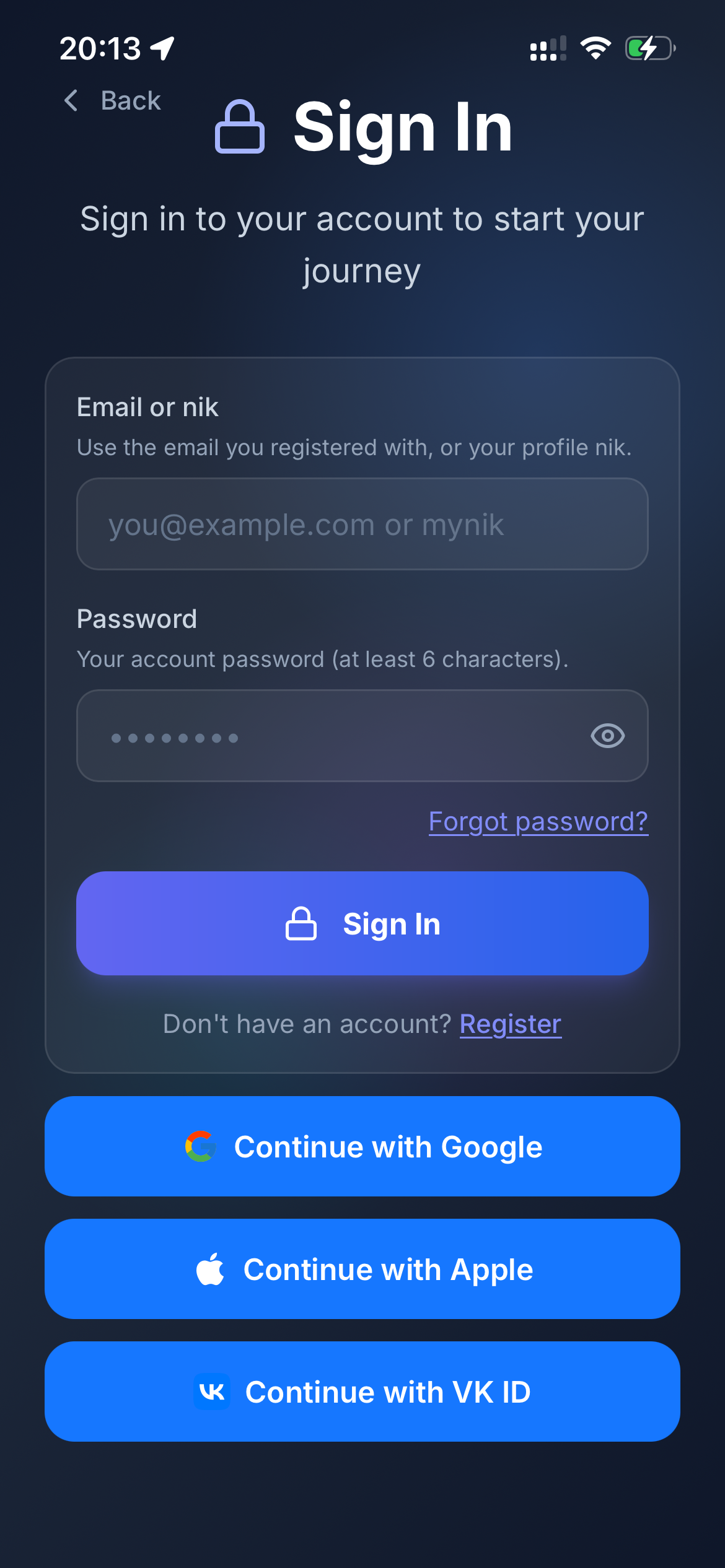
Sign in with email or nik, or continue with Google, Apple, or VK ID. Returning users skip the tour and land here.
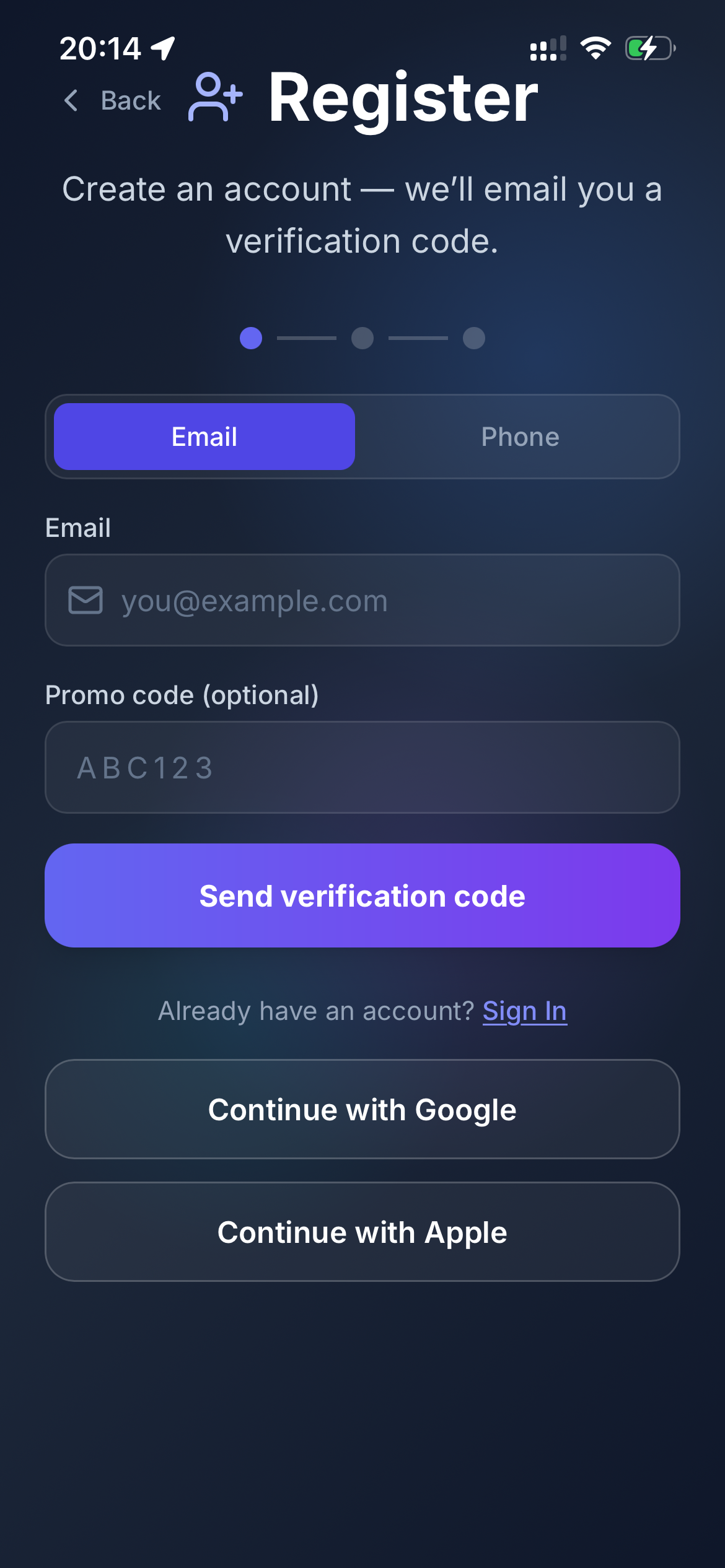
Register with email or phone — we send a verification code. Optional promo code for invites.
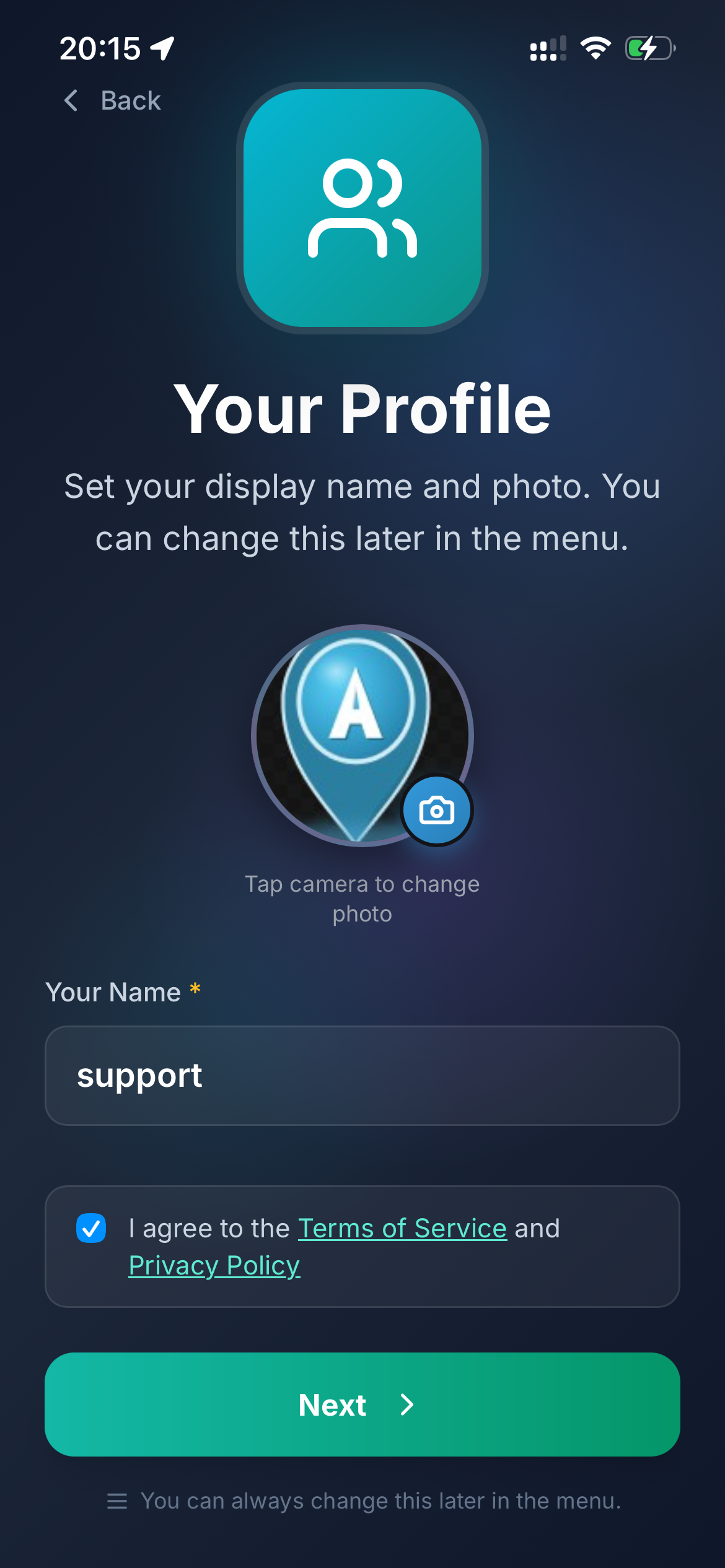
Set your display nik (1–12 lowercase letters and digits), add a photo, and accept the Terms of Service and Privacy Policy.
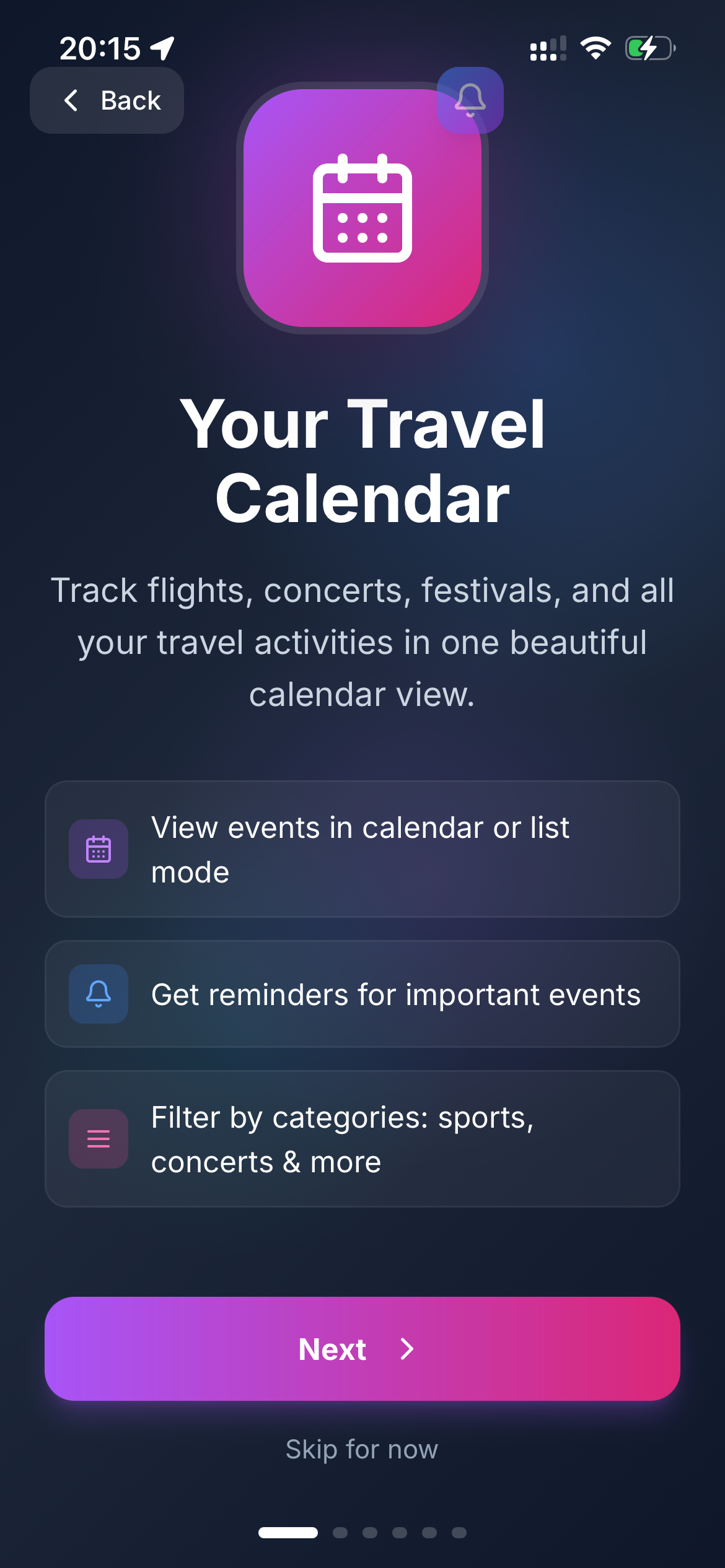
Track flights, concerts, festivals, and travel activities in one calendar or list view.
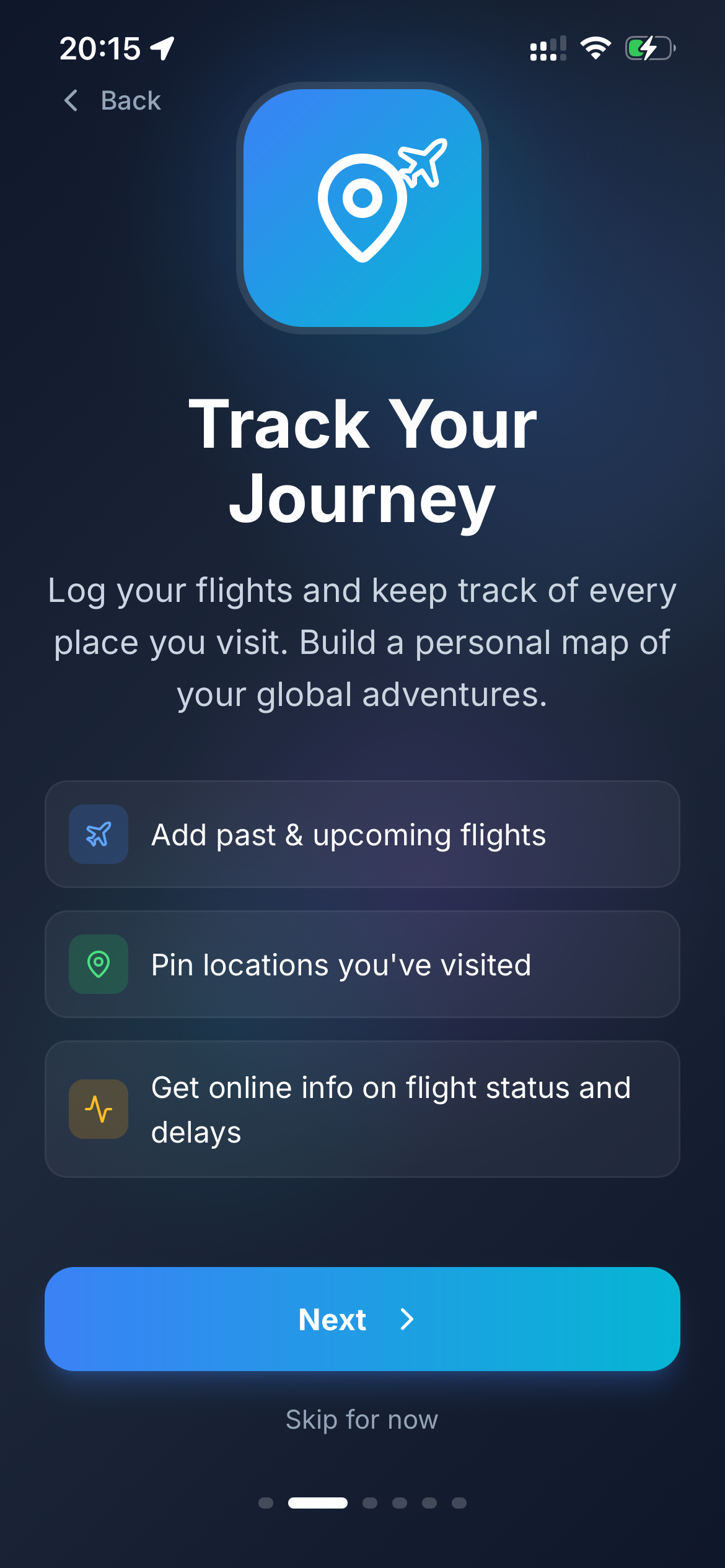
Log flights and pin every place you visit. Build a personal map of your global adventures.
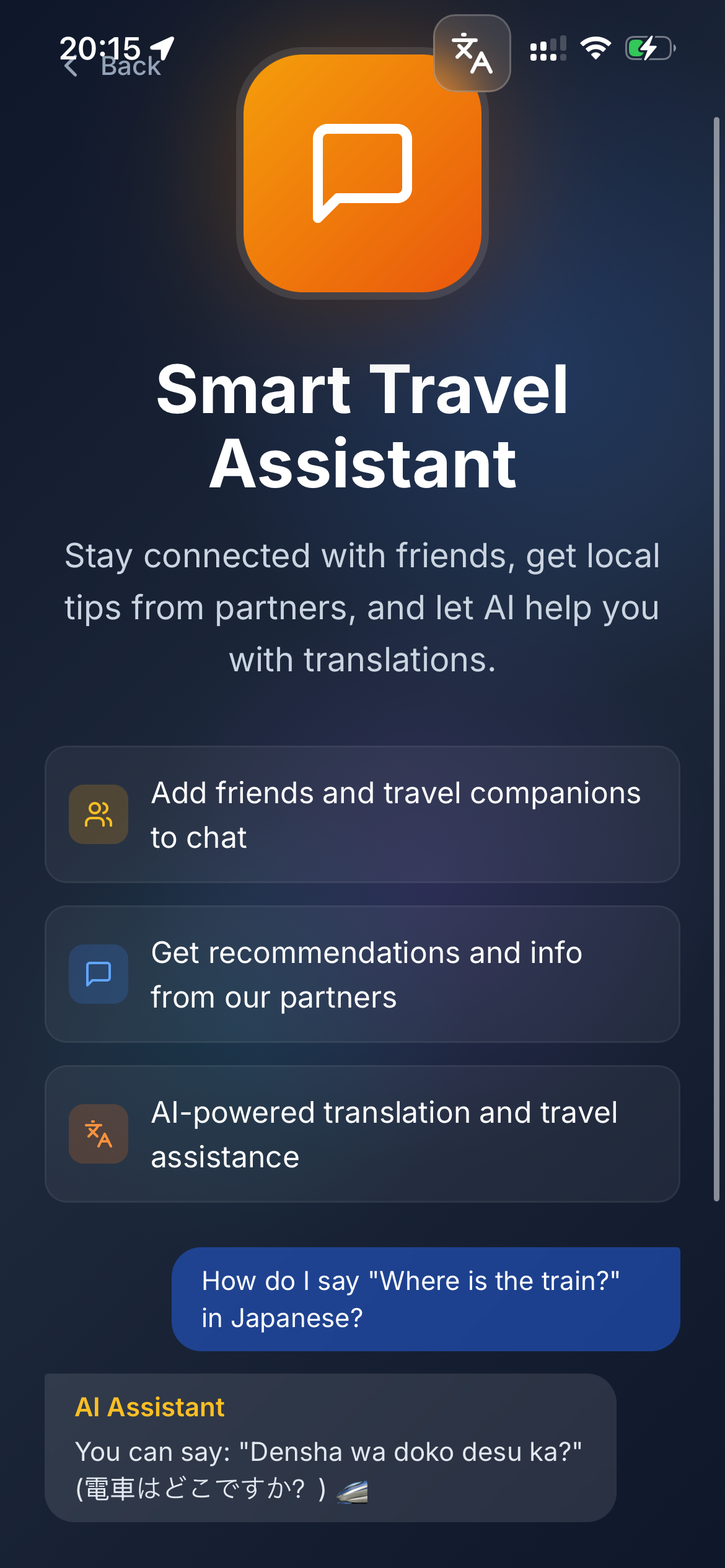
Stay connected with friends, get local tips from partners, and let AI help with translations.
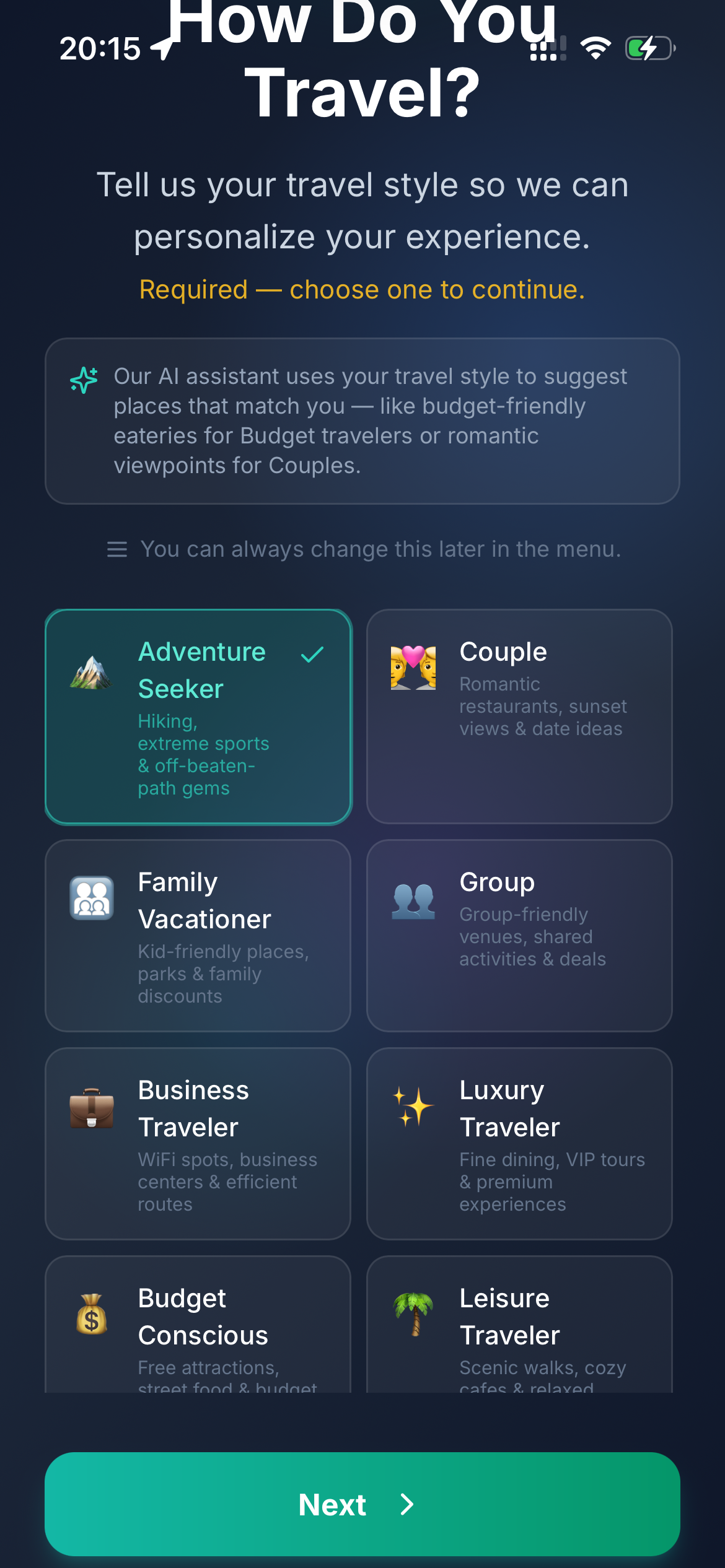
Choose your travel style so AI can personalize suggestions — budget eateries, romantic viewpoints, family-friendly spots, and more. Required to continue.
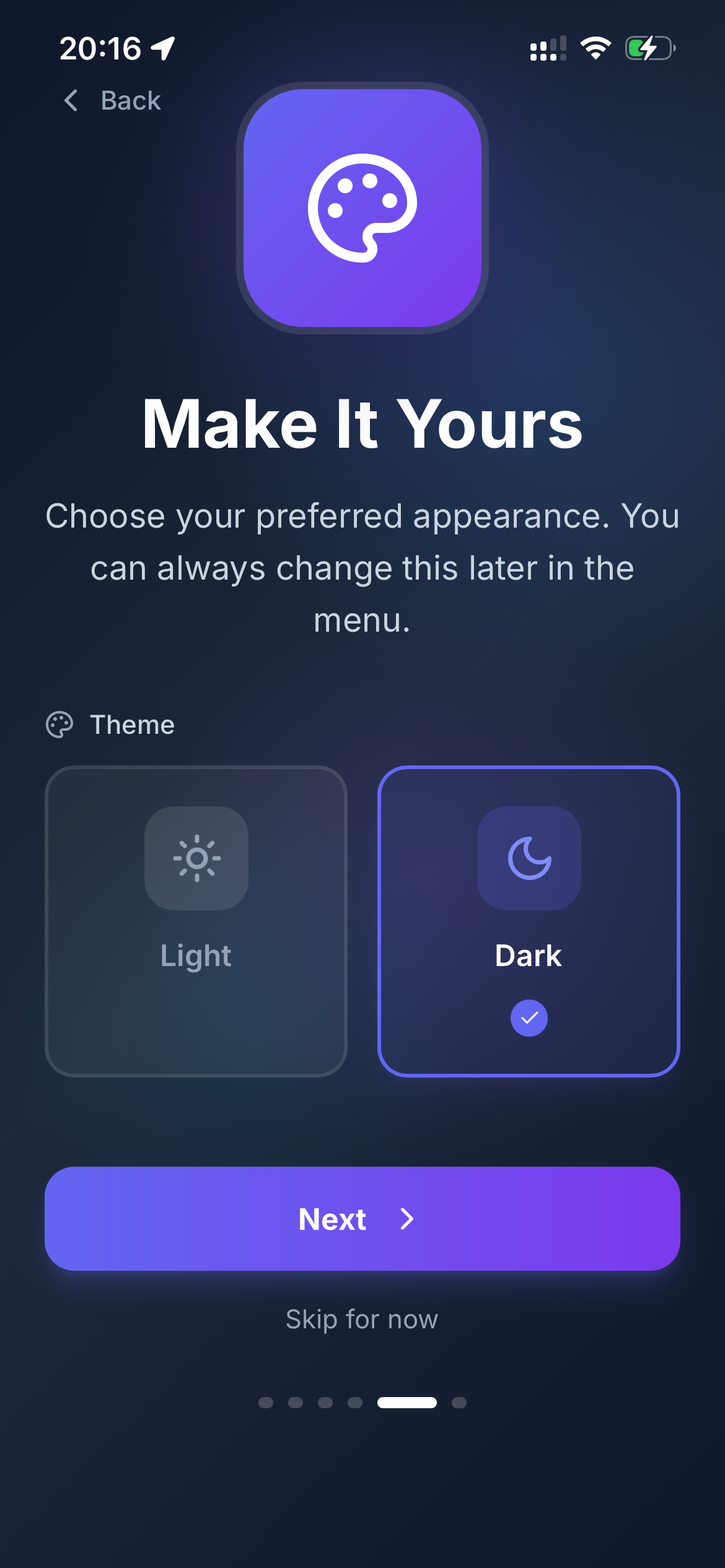
Pick light or dark theme. Change anytime in the menu.
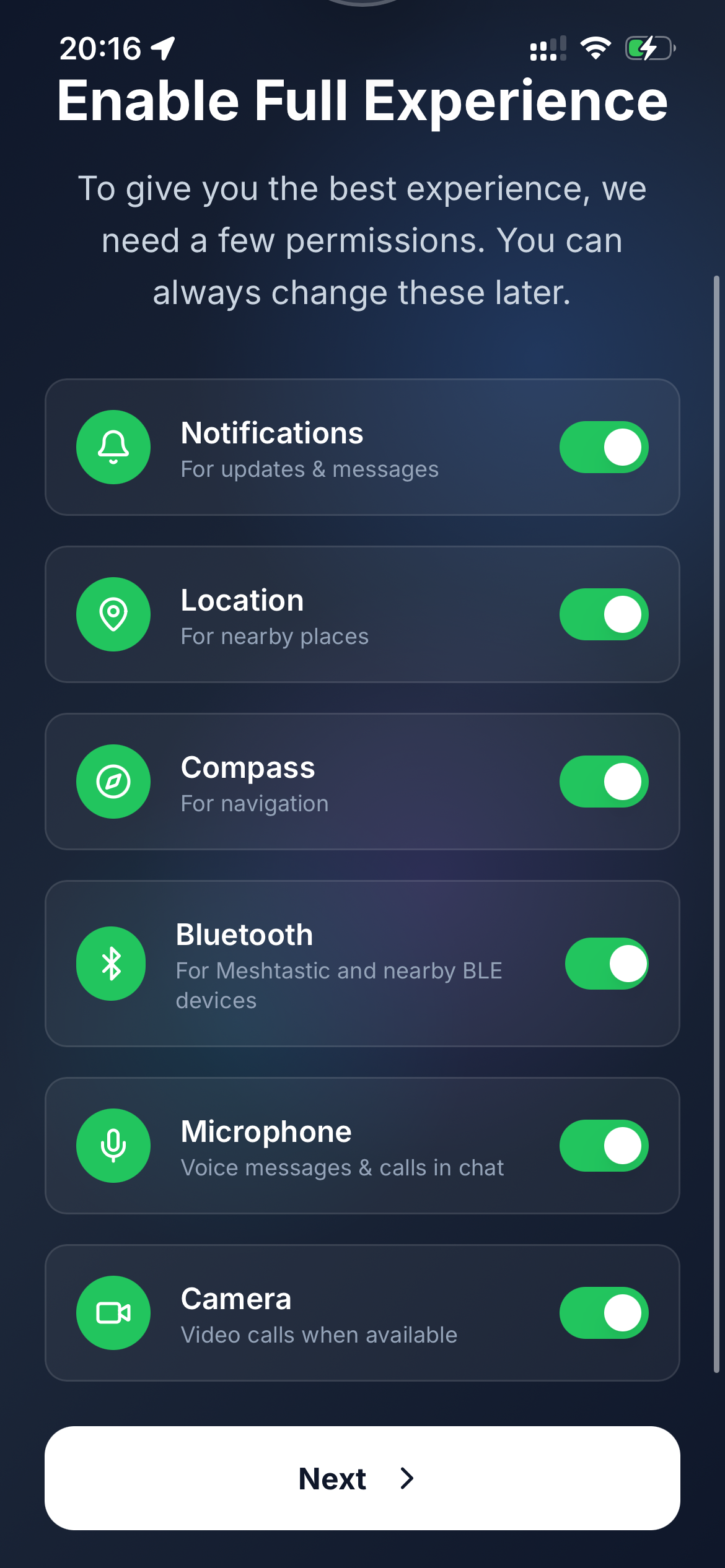
Turn on notifications, location, compass, microphone, and camera for maps, reminders, and chat. Bluetooth is offered on native apps for Meshtastic.
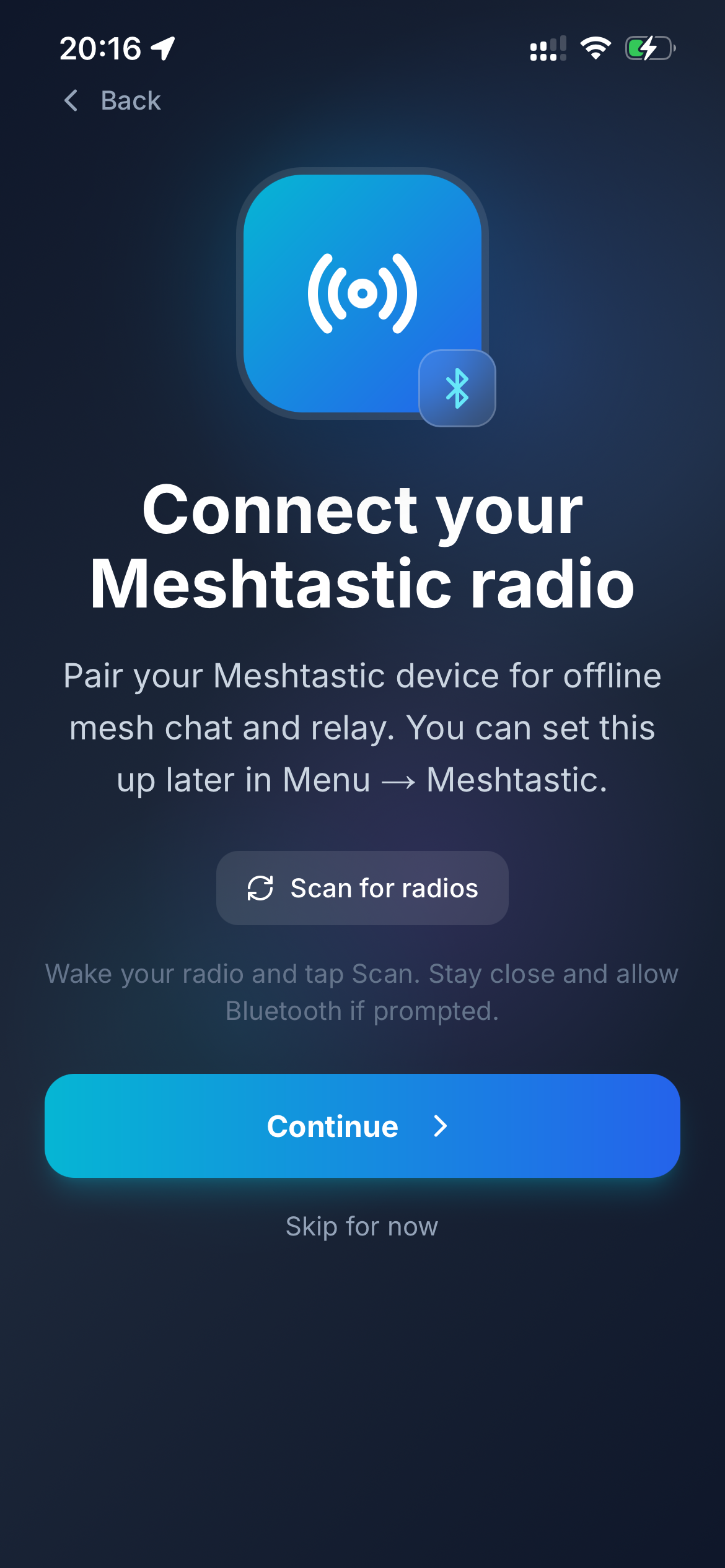
Pair your Meshtastic device for offline mesh chat and relay. Optional — set up later in Menu → Meshtastic.
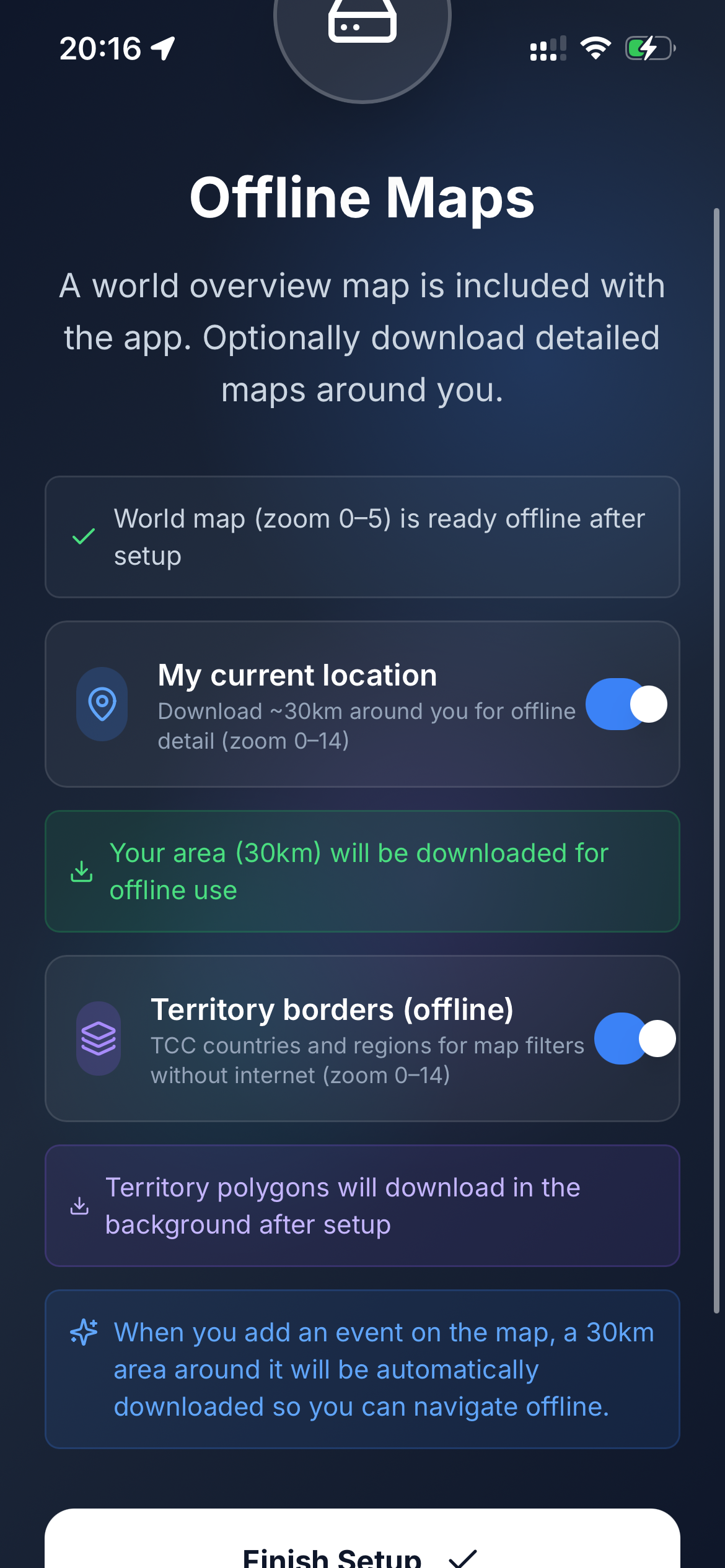
A world overview map (zoom 0–5) is bundled with the app. Optionally download ~30 km around you and territory borders for filters without internet.
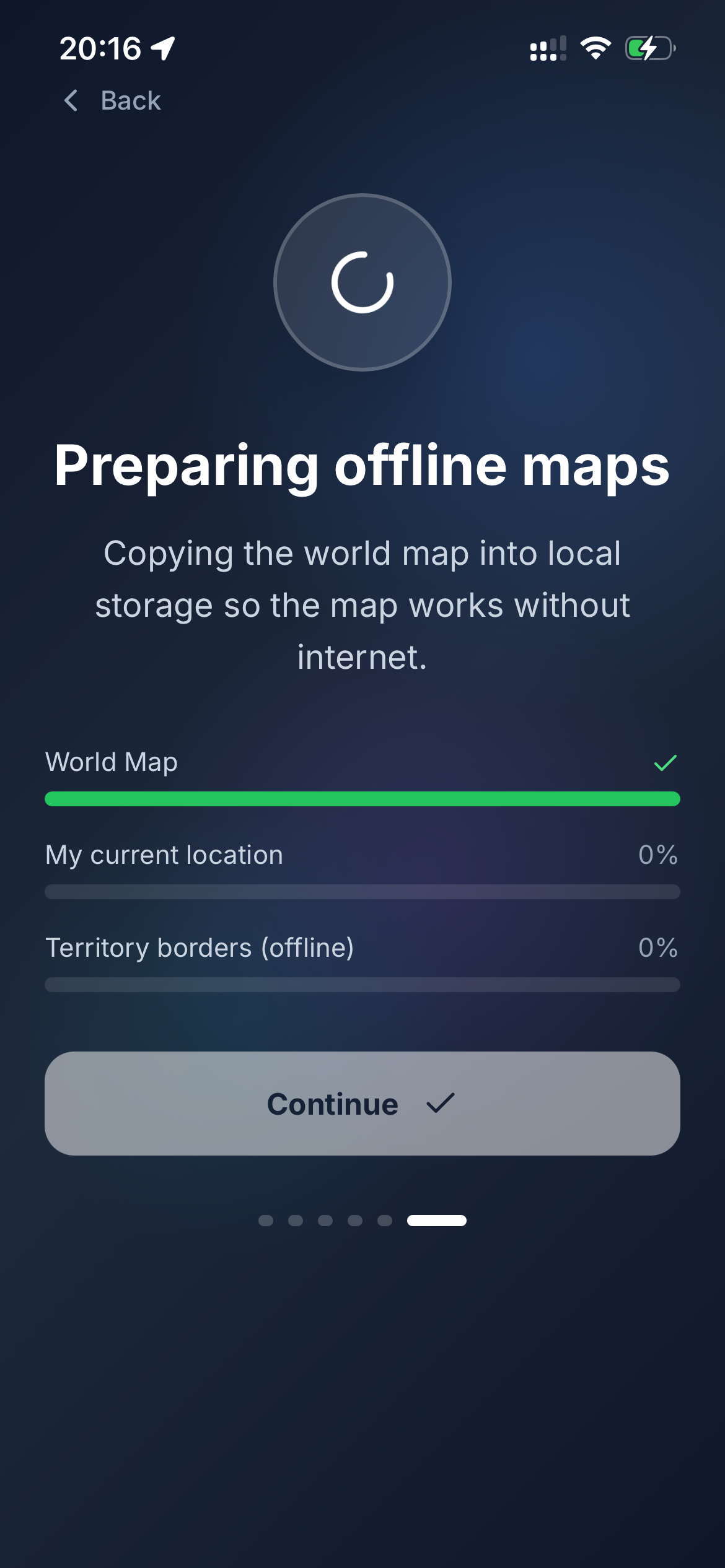
Avento copies the world map into local storage so the main map works without internet. Tap Continue when ready — you are all set!
Avento makes immersive experiences shareable and connected to the real world. Publish and discover AR, 3D, 360° media and AI characters tied to physical locations.