
Painting
Painting → digital art object
Master class No. 2
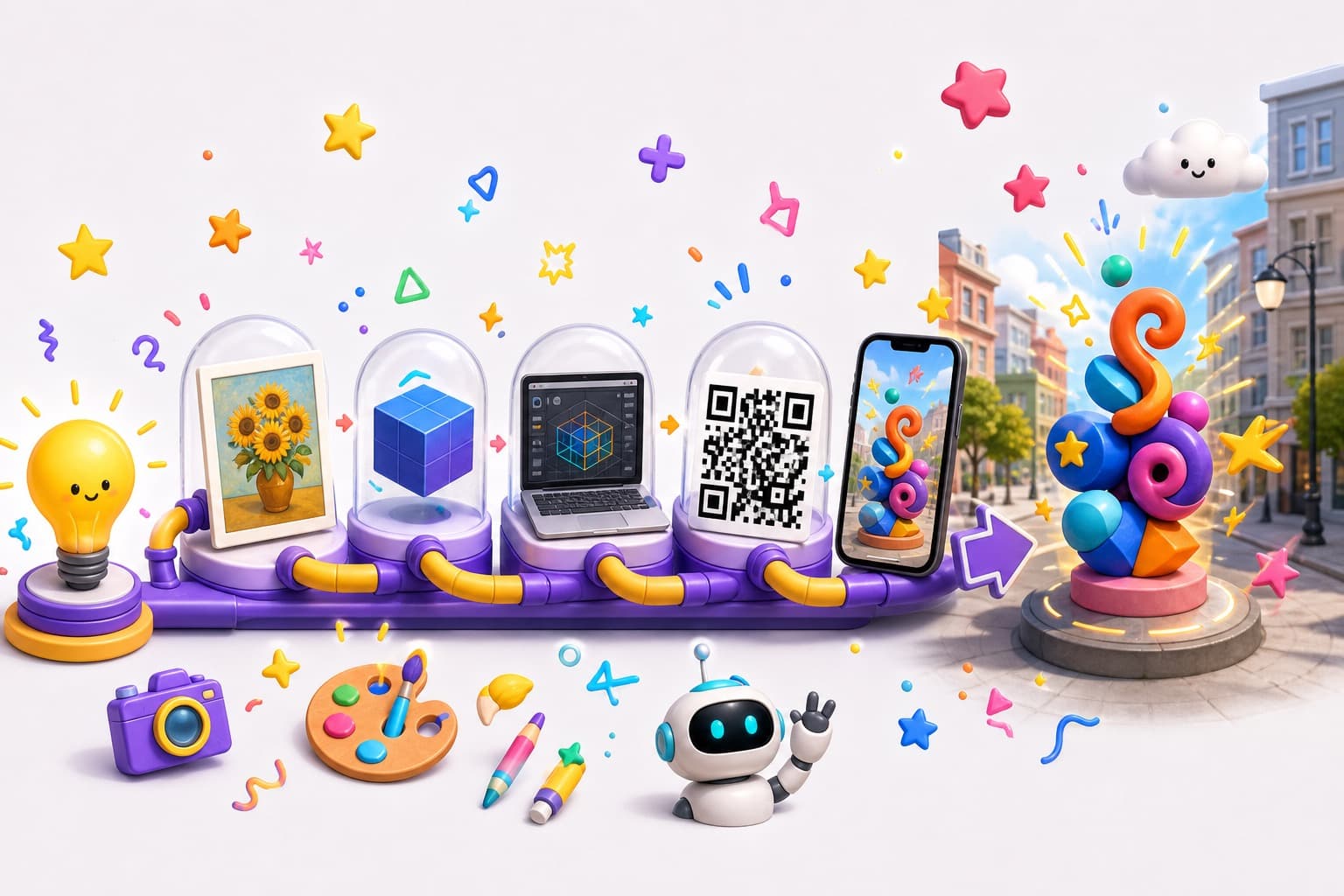
A practical workshop: idea → source → digital object → publish → QR → preview → AR.
Walk the full path from an idea to a published AR object
Show the complete path:
The main principle
You do not have to be a programmer to create your first immersive project.
Seven practical parts — from choosing a format to a joint collection
Image, video, 3D, 360°, AR object, gallery, interactive scene.
Photos, drawings, models, video, archives, music — quality, rights, scale.
Simple transformations — and how AI can help.
Title, cover, type, file — browser preview vs full AR in the app.
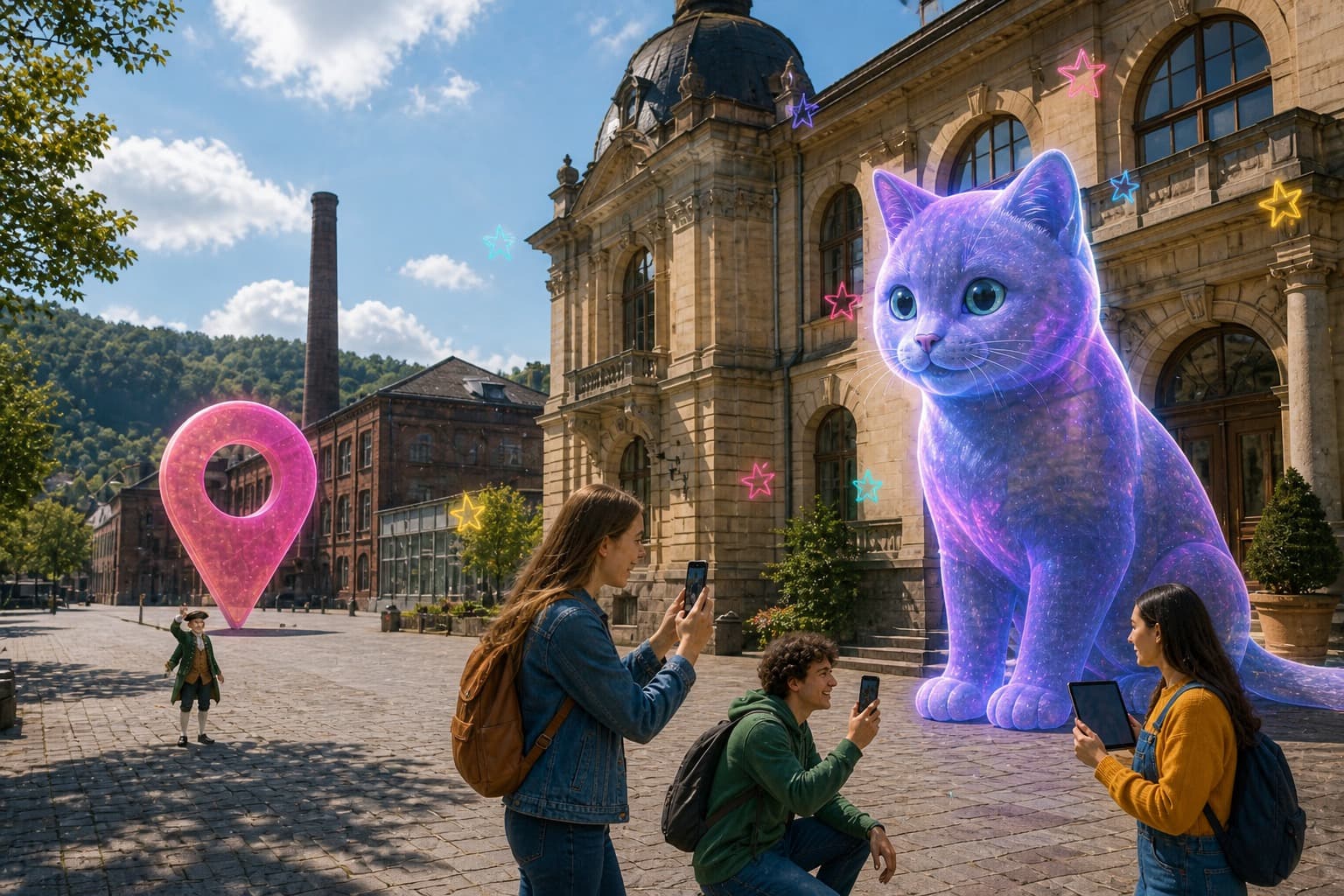
A map pin, scale, and how a person meets the object.
Public page, QR, and the path into Avento AR.
From one object to a series, a route, an exhibition, a city project.
10 minutes
We look at what an idea can become:
Each participant chooses the format that fits their work best.
15 minutes
What you can use:
We discuss source quality, background, scale, copyright, and how to prepare the files.
25 minutes
A few simple examples of turning source material into content:
Painting → digital art object
Photo of a piece → 3D presentation
Archival photograph → historical scene
A person → digital character
A drawing → animated object
Separately we show how AI can help with images, ideas, a scenario, animation, and the project description.
20 minutes
We actually create an object and add:
Title
Description
Cover
Content type
3D / video / 360° / AR file
Location, if needed
Content you can show immediately through a link or QR code.
Full AR / Unity scenes with geolocation and interactivity.
15 minutes
We choose a point. For example:
We discuss scale, the object’s position, and how a person interacts with the space around it.
10 minutes
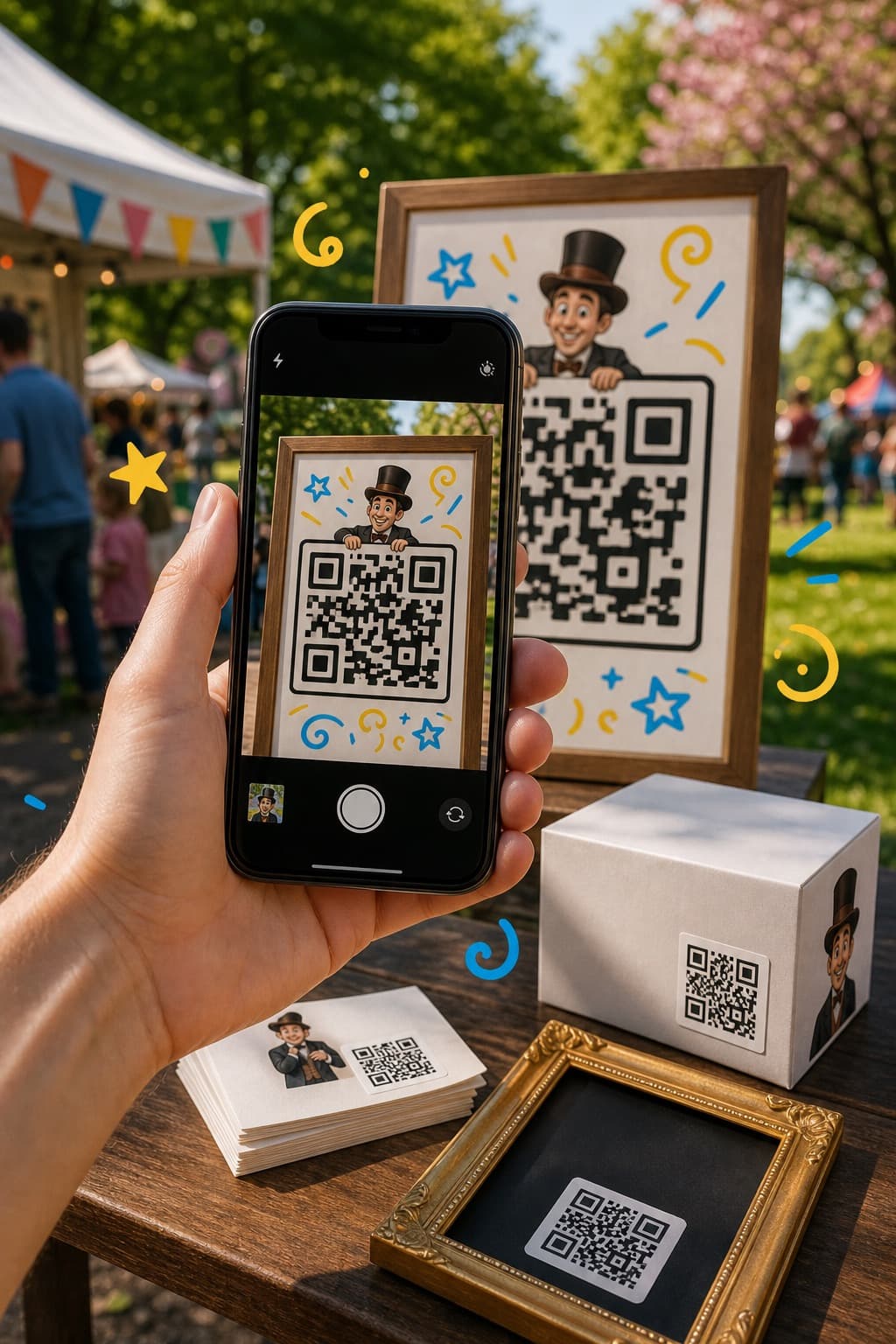
We get a public project page, create a QR code, and check the path:
Where to place the QR:
Loading...
10 minutes
The next level looks like this:
A joint collection of local authors in the digital layer of the city.
Buildings and people of the past — in AR, on the real streets.
A project like this can already be shown to partners, clients, and festivals — and used as a base for a grant application.
Final assignment
Each participant writes their own formula:
The best works can be joined into the first shared collection.
Available on mobile and desktop

Avento: Spatial Experiences is on Google Play and the App Store.
How to install AventoAvento makes immersive experiences shareable and connected to the real world. Publish and discover AR, 3D, 360° media and AI characters tied to physical locations.